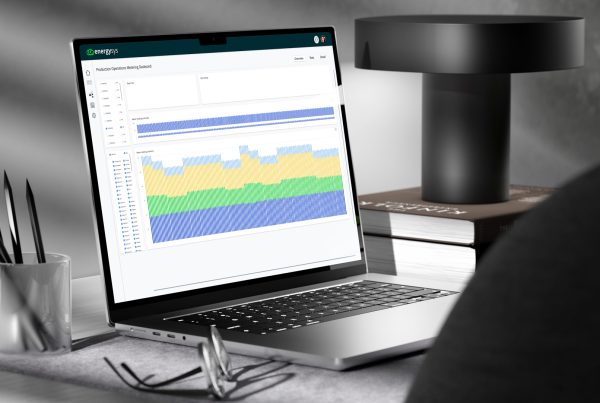
EnergySys apps aren’t built in code. They’re built as metadata.
That means the configuration layer, everything from database setup to screens, logic, and security, is stored as data rather than written in code. Domain experts can configure, adapt, and scale their applications directly, without waiting for a developer. And because configuration is entirely separate from the product itself, platform updates deploy automatically without touching anything you’ve built.
Before we get into the features, here’s what one of our users has to say about working with the platform.

Objects are your data’s home
Think of objects as dynamic containers for whatever your business throws at them: budgets, forecasts, hourly readings, and more.
They’re versioned to maintain a complete audit trail. You can configure a status attribute, such as Provisional or Final, and lock data before specific dates to prevent accidental changes.
Need unit conversions? You define them.
Screens are built for the role
Every object automatically gets a screen for data entry, but it doesn’t have to stay basic.
Adjust visibility, set fields to read-only, add panels to show related data, and add helpful tooltips where needed. Each screen can be tailored to the role using it, so the right people see the right things.
The email service delivers data automatically
Want to import data from attachments or send reports automatically? The email service handles both.
It pulls data directly from emails, whether that’s Excel, CSV, or XML attachments, or sends out reports on a schedule or at the click of a button.
Connectors and imports plug your systems together
Link up to SQL, OSI PI, IP21, or other systems with lightweight connectors. Schedule them or run them manually. Your choice.
Incoming data gets validated and transformed. If something looks off, alerts fire automatically.
Calculation processes run Excel logic automatically
Build calculations using familiar Excel formulas. Run them, log the results, and download logs into Excel for investigation or validation.
Run processes in sequence, bring in new assets as your operation grows, and re-run whenever you need to, without leaving the platform.
User roles give everyone the right level of access
Assign roles to control what each user can see and do.
Want a terminal operator to enter data and view specific reports only? Done. Want someone else to have full admin access? Also done. You decide who can do what.
Reporting works the way you do
Two options, depending on how you want to work:
- Process reports: created in Excel, tied to calculation runs, and can be emailed or stored automatically.
- Web service API: access EnergySys data via OData for Power BI, Excel, or any other reporting tool you prefer.
Every feature in an EnergySys application is designed to give domain experts direct control over their data, their workflows, and their outputs. No developer required. No vendor call-out. Just a platform that works the way your operation does.